Presentations and infographics from one prompt
Describe the task or attach a document — get finished slides you can edit and download.
What you get
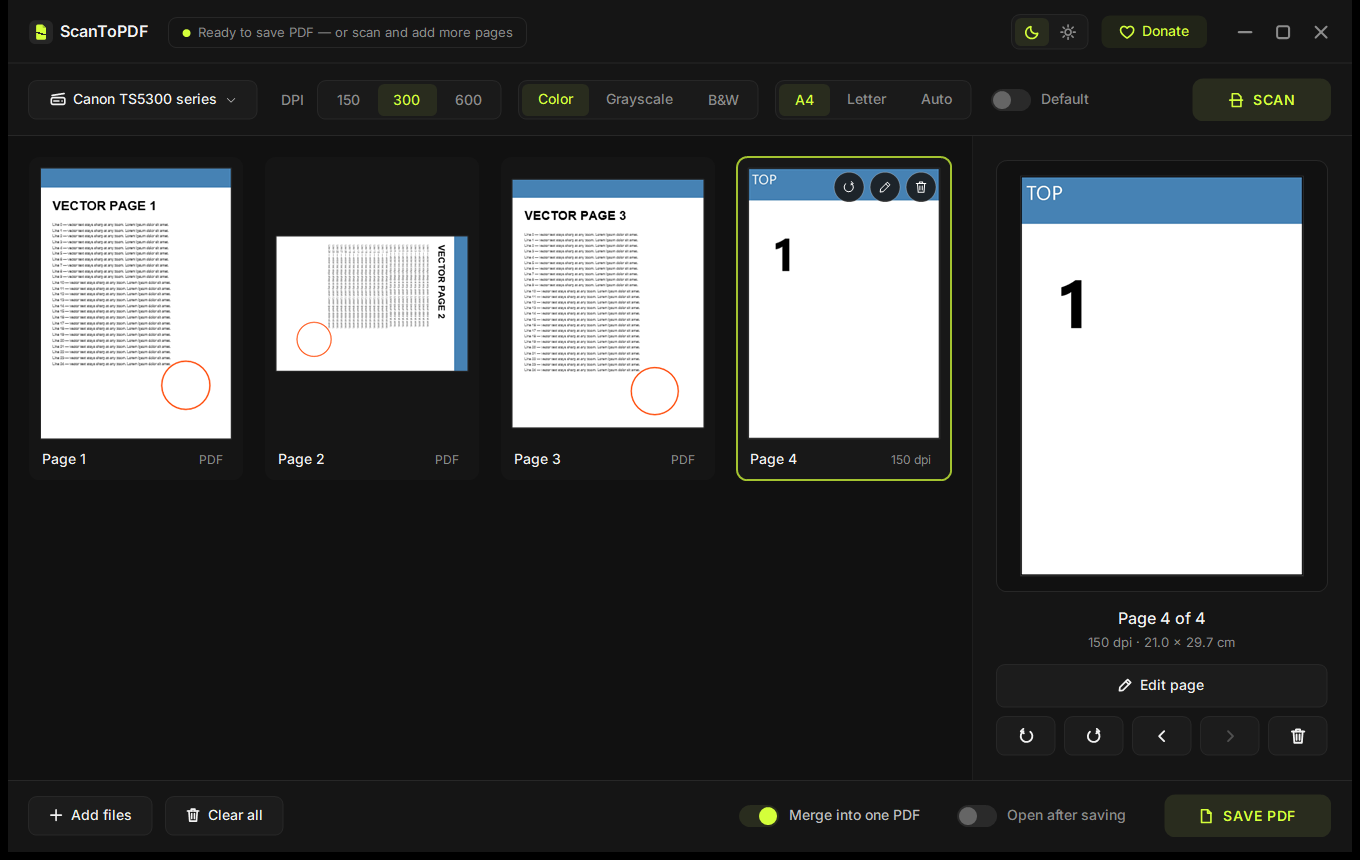
Real slides from the ewiday engine — 8 styles, switch in one click.
How it works
- 1
Describe the task
Topic, audience, what matters. Attach a document, spreadsheet, logo or photos — files are read right in your browser.
- 2
Get a draft
AI builds the structure, our engine lays it out in the style you pick. Usually 20–60 seconds.
- 3
Polish and download
Click any text to edit, swap pictures and reorder slides for free. Ask the AI in chat. Download PPTX, PDF or PNG.
- No watermark Not even on free requests. The file is entirely yours.
- No sign-up No account or e-mail needed to start.
- Nothing stored Your project lives in your browser, not on our server.
- Manual edits are free Only AI requests count toward the limit.
Pricing
5 free AI requests every day. Need more? Get a pass for the time you need — no subscription, no auto-renewal.
Free
0
5 AI requests every day, all manual edits, export without watermark
Start free-
7 days
$5€5
Unlimited projects, up to 300 AI requests a day
-
30 days
Most popular$9€9
Unlimited projects, up to 300 AI requests a day
-
90 days
$19€19
Unlimited projects, up to 300 AI requests a day
Questions and answers
Is it free?
5 AI requests a day are free, no sign-up. Manual edits and export are always free. Need more? Get a 7, 30 or 90-day pass.
Is there a watermark?
No. Neither on free nor on paid files.
Where are my projects stored?
Only in your browser. We store nothing on the server — no projects, no accounts. Clearing site data removes the project, so download your result.
Which files can I attach?
Text, Word (.docx), PDF, Excel and CSV, plus a logo and pictures. Text is extracted in your browser and sent to the AI; images never leave your computer.
Can I upload confidential documents?
Better not. Prompt text is processed by DeepSeek (China). Do not send personal data or trade secrets.
How do I get a PowerPoint file?
Click Download → PPTX. It opens in PowerPoint, Keynote and Google Slides with editable text.